
ChatClip
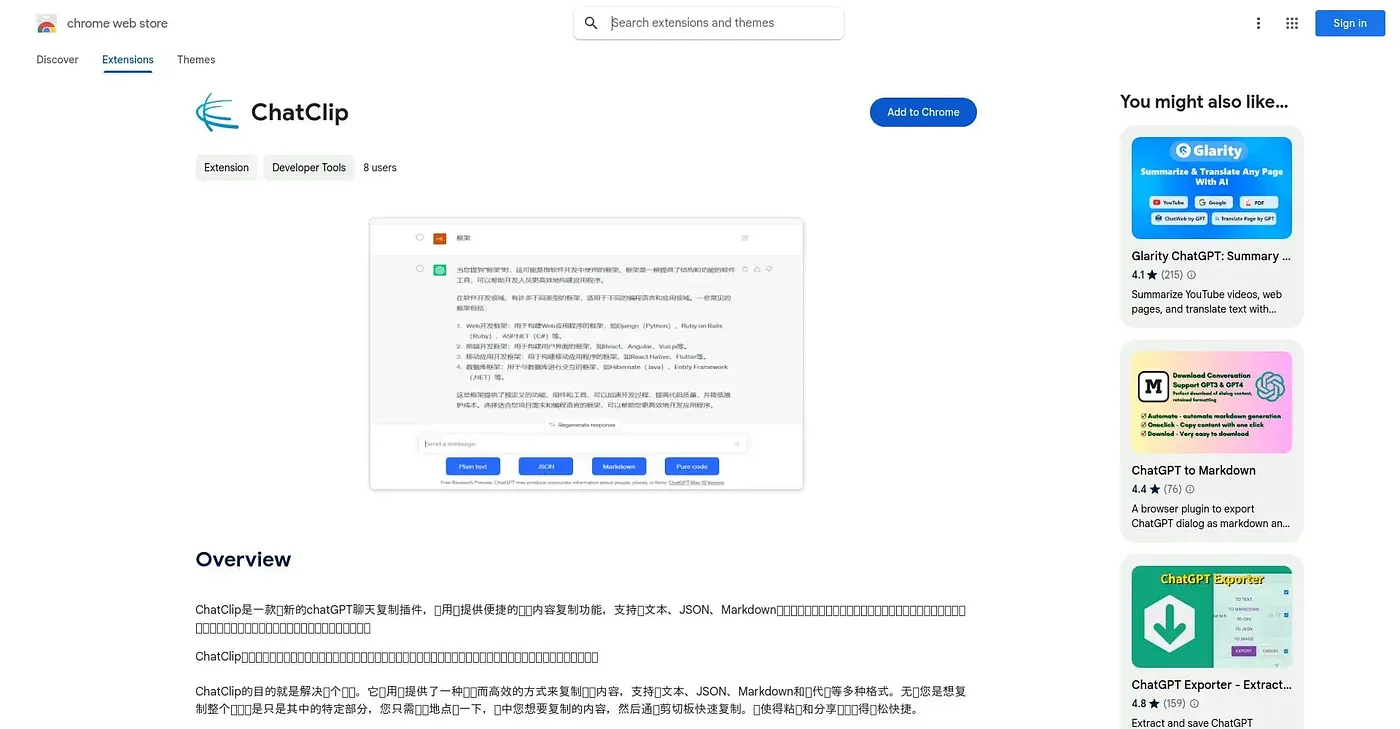
Copies chat snippets in plain text, JSON, Markdown or code with a single click.
At a glance
Starts at
Free
The vendor's site is offline, so no current price was found.
Free tier
Yes
Platforms
Chrome
Best for
Developers copying chat content into docs or code
Not for
Users on platforms the extension doesn't support
3.9 out of 5
Scored by a Toolio reviewer after real useOur verdict
ChatClip copies selected chat dialogue in plain text, JSON, Markdown or code with a single click, and lets users adjust preferred formats to fit their own workflow. Developers and documentation writers who move chat content into other tools get the clearest benefit. It depends entirely on the chat interfaces it supports, limiting use elsewhere.
✓What it does well
Multi-format copyingIt copies chat content as plain text, JSON, Markdown or code.
One-click selectionA simple click is enough to select and copy chat content.
Custom copy settingsUsers can tailor preferred formats to fit their own workflow.
✕Where it falls short
Chat-interface dependentIt depends entirely on the chat interfaces it supports, limiting use elsewhere.
Chrome onlyIt only works as a Chrome extension, with no other browser support.
Narrow use caseIt only handles copying chat content, without broader note-taking features.
Key features
Multi-format text copyingIt copies selected content as plain text, JSON, Markdown or code.
One-click selectionUsers can select and copy content with a single click.
Custom format settingsPreferred copy formats can be set to match a user's workflow.
Coding and documentation useIt is built to support quick extraction for coding and documentation.