.webp)


Best AI Meeting Assistants in 2026 (Tested and Ranked)
Sitting through a meeting and taking notes at the same time is a losing trade. You either miss what's being said while you write, or you write so little that the notes are useless an hour later. AI meeting assistants solve this by handling documentation automatically, so you can stay focused on the conversation and still walk away with an accurate record of everything that mattered.
In 2026, the category has matured significantly. Transcription accuracy has improved across the board, AI-generated summaries have become genuinely structured and useful, and the tools have started to diverge in meaningful ways around privacy, language support, and how they fit into existing workflows.
We tested the most widely used options across real meetings on Zoom, Google Meet, and Microsoft Teams. Here's what's worth your attention.
What Makes a Good AI Meeting Assistant
Before jumping into the list, here's what separates a useful tool from one that creates more work than it saves.
Transcription accuracy under real conditions. Most tools perform well on clean single-speaker audio. The quality gap shows up on calls with multiple speakers, accents, technical terminology, and background noise. This is where the category splits into tiers.
Bot-free recording. Tools that join your meeting as a visible bot participant announce themselves to everyone on the call. For client meetings, investor calls, or any external conversation where first impressions matter, this creates friction before the discussion has started. Bot-free tools record from your device only, with nothing appearing in the attendee list.
Privacy and data handling. Does the tool use your meeting recordings to train AI models? For anyone recording sensitive business conversations, this is worth checking in the privacy policy, not just the marketing page.
Language support. Global teams and professionals with international clients quickly hit the ceiling on tools that only support a handful of languages. The range across the market runs from 4 languages to 100+.
Integration depth. Meeting notes that live in a standalone tool create another silo. The best tools push summaries into the systems where work actually happens: CRM platforms, Slack, Notion, project management tools.
The 7 Best AI Meeting Assistants in 2026
1. Bluedot — Best Overall
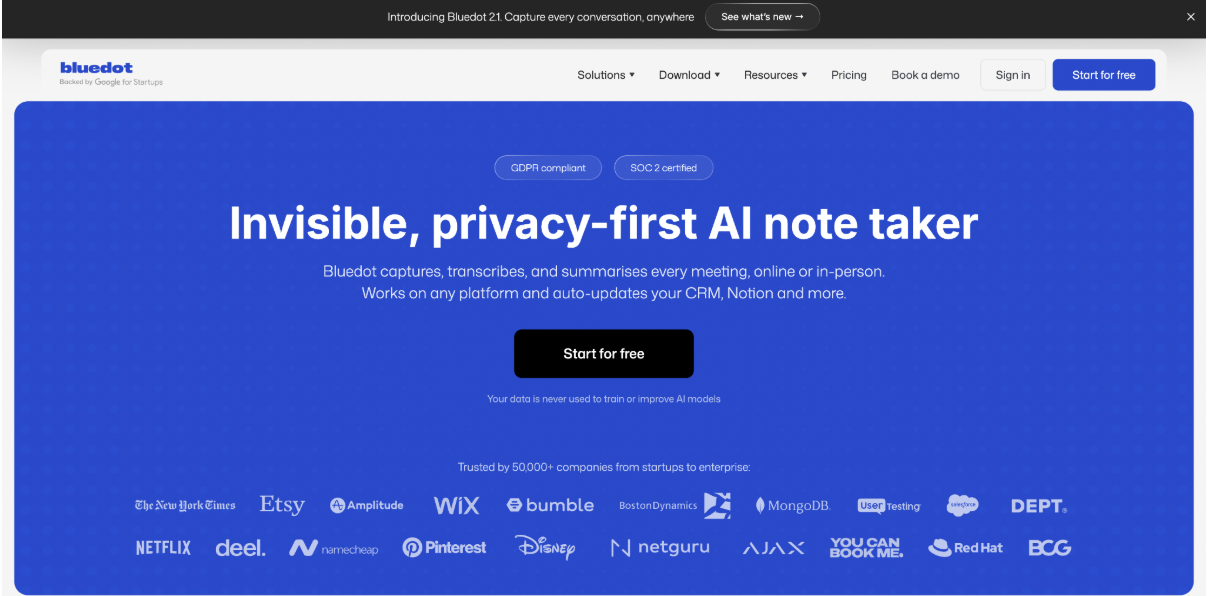
Bluedot AI meeting assistant is the strongest all-round pick in this category. It records meetings on Google Meet, Zoom, and Microsoft Teams without joining as a visible bot participant. The Chrome extension and native apps for macOS, Windows, iOS, and Android capture audio from your device, leaving the attendee list unchanged.
Transcription quality is consistently strong across multi-speaker calls, non-native English, and technical discussions. AI summaries organize decisions, action items, and key discussion points into clearly separated sections rather than compressing everything into a single block.
A built-in AI chat lets you search across your full meeting history using plain-language questions. Instead of scrolling through a transcript from three weeks ago, you ask what was decided and get a direct answer with a timestamp.
Bluedot supports 100+ languages for both transcription and AI-generated summaries, which is the broadest coverage in this list. Transcripts are private by default with no automatic sharing to other participants. The tool does not train AI models on your meeting recordings. The Business plan integrates directly with Salesforce and HubSpot for teams that need meeting data in a CRM.
Pricing: Free plan covers 5 lifetime meetings. Basic starts at $14 per member per month on annual billing. Pro at $20 per member per month adds unlimited video recording. Business at $32 per member per month includes CRM integrations and SSO.
Best for: Client-facing professionals, sales teams, consultants, and global teams that need accurate, private, bot-free meeting notes.
2. Fireflies AI — Best for CRM Automation
Fireflies AI is built for teams that need post-call data in a CRM without manual entry. It records via a visible bot, transcribes in 100+ languages, and automatically pushes summaries and action items into Salesforce, HubSpot, Pipedrive, Notion, Slack, and 200+ other tools after every call.
The AskFred AI assistant lets you query the full team meeting archive conversationally. Sentiment analysis provides post-call breakdowns of participant engagement and tone. Fireflies does not train AI models on your meeting content.
The main trade-off is the visible bot, which can change the dynamic on sensitive external calls. The credit-based system for advanced AI features also depletes faster than expected for active teams.
Pricing: Free plan includes 800 minutes of storage. Pro starts at $10 per member per month on annual billing.
Best for: Sales and customer success teams that need meeting notes flowing into CRM tools automatically after every call.
3. Fathom — Best Free Plan
Fathom provides the most generous free plan in the category: unlimited recordings, unlimited transcription, and unlimited storage for individual users at no cost. No credit card required, no monthly cap, no expiry date.
Summaries arrive within approximately 30 seconds of each call ending, which is consistently faster than most competitors. The 15+ AI summary templates cover different meeting types without per-meeting configuration. Fathom does not train AI on customer data and is SOC 2, GDPR, and HIPAA compliant.
The free plan caps AI summaries at 5 per month and there is no mobile app on any plan, which means in-person meetings are not covered. CRM field sync requires the Business plan.
Pricing: Free forever for unlimited recordings. Premium starts at $16 per month on annual billing.
Best for: Individual professionals who want a genuinely free starting point without recording caps or credit card requirements.
4. tl;dv — Best for Async Teams
tl;dv is built for teams where meeting content needs to reach people who were not on the call. Users can highlight any transcript line and generate a shareable video clip of that exact moment, ready to drop into Slack or Notion in seconds.
Multi-meeting intelligence analyzes patterns across the full meeting library and generates recurring reports without anyone reviewing individual sessions. The Pro plan at approximately $10 per month on annual billing is one of the more affordable paid options in the category.
The free plan caps AI summaries at 10 for the lifetime of the account, not per month. Most active users hit this limit within the first week. There is no native mobile app.
Pricing: Free plan available. Pro at approximately $10 per member per month on annual billing.
Best for: Product teams, UX researchers, and async-first organizations that regularly share specific meeting moments across distributed teams.
5. Granola — Best for Minimal Setup
Granola records from your Mac's system audio without a bot, sits in the menu bar, and detects calendar meetings automatically. No configuration per meeting, no browser tab to manage. Clean notes appear when the call ends.
The Recipes feature applies different AI summary templates depending on meeting type. A client call gets different structure from a team standup or a hiring interview. Granola recently added an iOS app for mobile capture and raised $125M at a $1.5B valuation.
The main limitation is the absence of speaker identification. The transcript captures all speech but does not attribute lines to individual participants. CRM sync requires Zapier rather than a native integration.
Pricing: Free plan with limited meetings. Business at $14 per member per month.
Best for: Mac-based founders and executives who want the lightest possible setup with bot-free recording.
6. MeetGeek — Best for Team Analytics
MeetGeek adds conversation analytics on top of standard transcription and summaries. After every call, it produces data on talk-time distribution, engagement scores, sentiment patterns, and coaching insights that accumulate across multiple meetings over time.
A mobile app handles in-person and offline recording, which most tools in this list do not support. Language support covers 60+ languages. The free plan includes 5 hours of transcription per month, which is more practical than most free tiers in the category.
Conversation analytics are locked behind the Business plan at $29 per member per month.
Pricing: Free plan includes 5 hours per month. Pro at $15 per member per month.
Best for: Team leads and managers who want performance data from calls alongside standard documentation.
7. Krisp — Best for Noisy Environments
Krisp started as a noise cancellation tool and has expanded into a full AI meeting assistant. It operates at the system audio level on Mac and Windows, acting as a virtual microphone that cleans background noise before transcription begins. This approach improves accuracy in noisy environments more directly than any post-processing method.
Like Bluedot and Granola, Krisp records without a visible bot participant. The Accent AI feature reduces cross-accent friction on international calls. It integrates with HubSpot, Salesforce, Notion, Jira, and Asana.
Language support is limited to 16+ languages. There is no permanent free tier, only a 7-day trial. The mobile app requires a paid subscription.
Pricing: 7-day free trial. Paid plans from approximately $16 per member per month.
Best for: Professionals who frequently take calls from noisy locations and need audio quality to improve transcription accuracy.
Which One Should You Use?
The right tool depends on the specific friction in your current meeting workflow.
If external client calls require discretion and a visible bot would create problems, Bluedot and Granola are the two bot-free options worth evaluating first. Bluedot covers more platforms, more languages, and includes a mobile app. Granola is the better fit for Mac-first users who want minimal setup.
If your team needs meeting data in a CRM without manual input after every call, Fireflies handles that workflow better than anything else in this list.
If budget is the primary constraint, Fathom's unlimited free plan is the most honest offer in the category with no hidden caps.
If your team is async and regularly needs to share specific meeting moments with people who were not on the call, tl;dv's clip workflow is the fastest way to do that.
If you manage a team and want data on how meetings are performing rather than just documentation of individual calls, MeetGeek provides that layer.
If you work from noisy locations where audio quality is the main bottleneck, Krisp's noise cancellation approach improves transcription accuracy in a way that other tools cannot replicate.