.webp)


How to Pick the Perfect Website Layout for Your Personal Brand
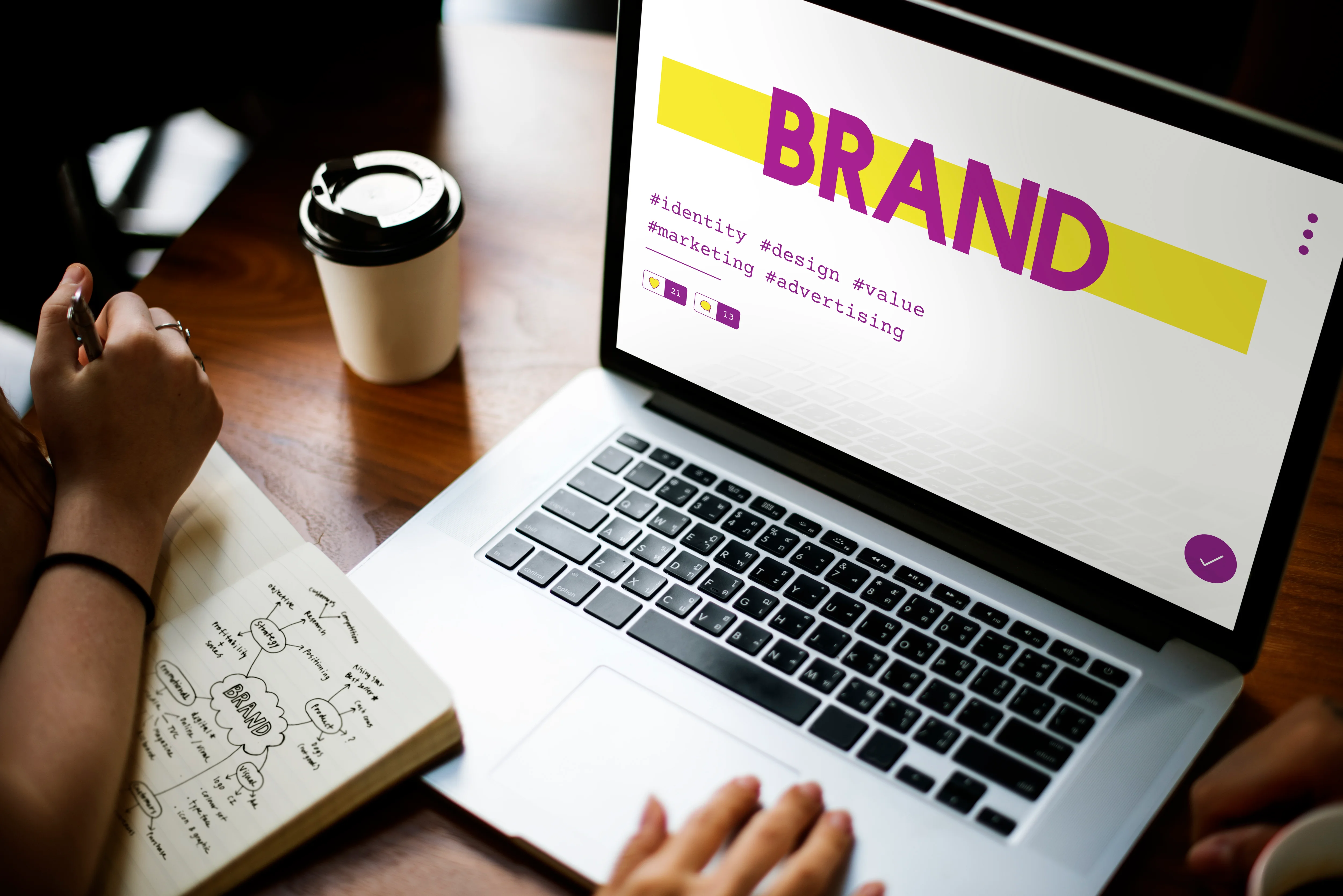
Photo: Freepik.com, rawpixel
Your website is often the first place people go to learn who you are, what you do, and why they should trust you. Whether you’re a freelancer, content creator, entrepreneur, or job seeker, your layout plays a huge role in how people perceive your brand.
A great layout isn’t just about looking polished — it guides visitors, highlights your strengths, and encourages them to take action. The good news? You don’t need to be a designer to choose the perfect website layout for your personal brand.
Here’s a simple, strategic guide to help you pick the right layout that feels true to who you are.
1. Start With Your Goal
Before choosing a layout, decide the main purpose of your personal website. Your design should be built around what matters most.
Ask yourself:
- Do I want clients to contact me?
- Do I want to showcase a portfolio?
- Do I want to highlight my resume or experience?
- Do I want to grow my social media or email list?
- Do I want a clean one-page identity for networking?
Your goal determines your layout.
A portfolio needs visuals. A consultant needs sections for services. A job seeker needs a structured bio and achievements.
2. Choose a Layout That Matches Your Personality
Your website layout should feel like you. It’s part of your digital personality.
If you’re…
- Creative → Choose a bold, visual layout with images and color.
- Professional → Go for clean, minimal designs with clear structure.
- Tech-focused → Pick modern layouts with simple sections and strong typography.
- Lifestyle/creator-oriented → Use layouts with storytelling or image-forward design.
Your layout shouldn’t just present your work — it should represent you.
3. Use a Simple, Scannable Structure
People skim websites. They rarely read every word.
A strong personal brand layout follows a simple structure:
- Hero section (your name + what you do)
- Short bio (why you matter)
- Your main work or value
- Social links or portfolio
- Contact information or call to action
This flow works because it mirrors how people think:
Who are you → what do you do → show me your work → how can I reach you?
If your layout can deliver this in under 10 seconds, you nailed it.
4. Prioritize Mobile-Friendly Layouts
More than half of visitors check personal websites on their phone.
Your layout must look great on mobile — or you lose credibility instantly.
Look for layouts that:
- Stack sections vertically
- Keep fonts large and readable
- Avoid clutter
- Load fast
- Display images responsively
A professional mobile layout makes your brand feel instantly legitimate.
5. Make Your Most Important Info Impossible to Miss
Think of your website layout as a story: it should guide visitors, not overwhelm them.
Highlight your top elements by placing them “above the fold,” such as:
- Your name
- Your title
- Your tagline
- A standout photo
- Key links (portfolio, resume, contact, social profiles)
If someone views your site for only 5 seconds, they should immediately understand who you are.
6. Choose Layouts With Plenty of White Space
White space isn’t empty — it’s clarity.
A clean layout:
- Feels more professional
- Makes your message easier to read
- Draws attention to important sections
- Improves user experience
Crowded layouts make you look inexperienced. Clean layouts make you look confident.
7. Use Layouts That Keep Everything Consistent
Your font choices, spacing, colors, and section styles should work together.
The right layout will unify everything for you so you don’t need to think like a designer.
Look for layouts that offer:
- Unified color themes
- Balanced spacing
- Consistent heading sizes
- Matching button styles
Consistency builds trust — inconsistency kills it.
8. Don’t Overcomplicate Your Design
Great personal brand websites follow this rule:
Simple → Clear → Professional
Avoid:
- Too many colors
- Too many sections
- Too-small text
- Distracting animations
- Wall-of-text sections
- Complicated navigation
Your website isn’t a museum. It’s a story about you. Make it easy for people to understand.
Final Thoughts
Picking the perfect website layout is less about design skills and more about clarity. When you choose a layout that reflects your personality, supports your goals, and guides visitors naturally, your personal brand becomes stronger and more memorable.
And the best part? With modern no-code tools like ace.me, you can launch a clean, professional personal brand website in minutes — no designer required.


